Fleet overview
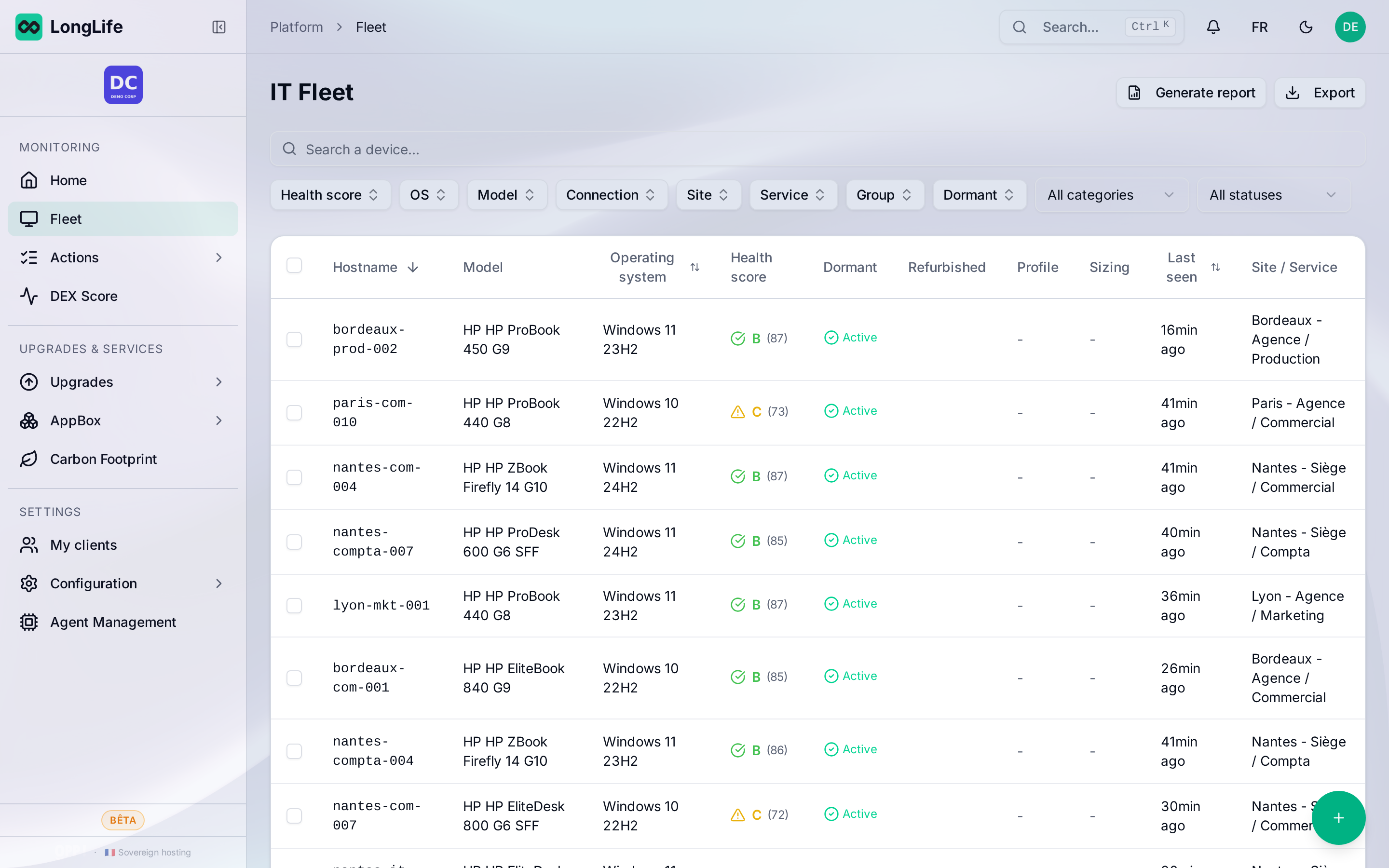
The fleet page lists all your devices and shows, for each one, the key information at a glance.
What you see
For each device, the list typically shows:
- its name and the associated user;
- the hardware (model, processor, memory);
- the LongLife health score (see The LongLife score);
- any incidents or alerts.
Sort and filter
You can sort the columns and filter the list to focus on a subset (for example low-score devices, or a specific site). See Filters and search.
Open a device
Click a device to open its detailed page. See The device page.